Automatic nesting
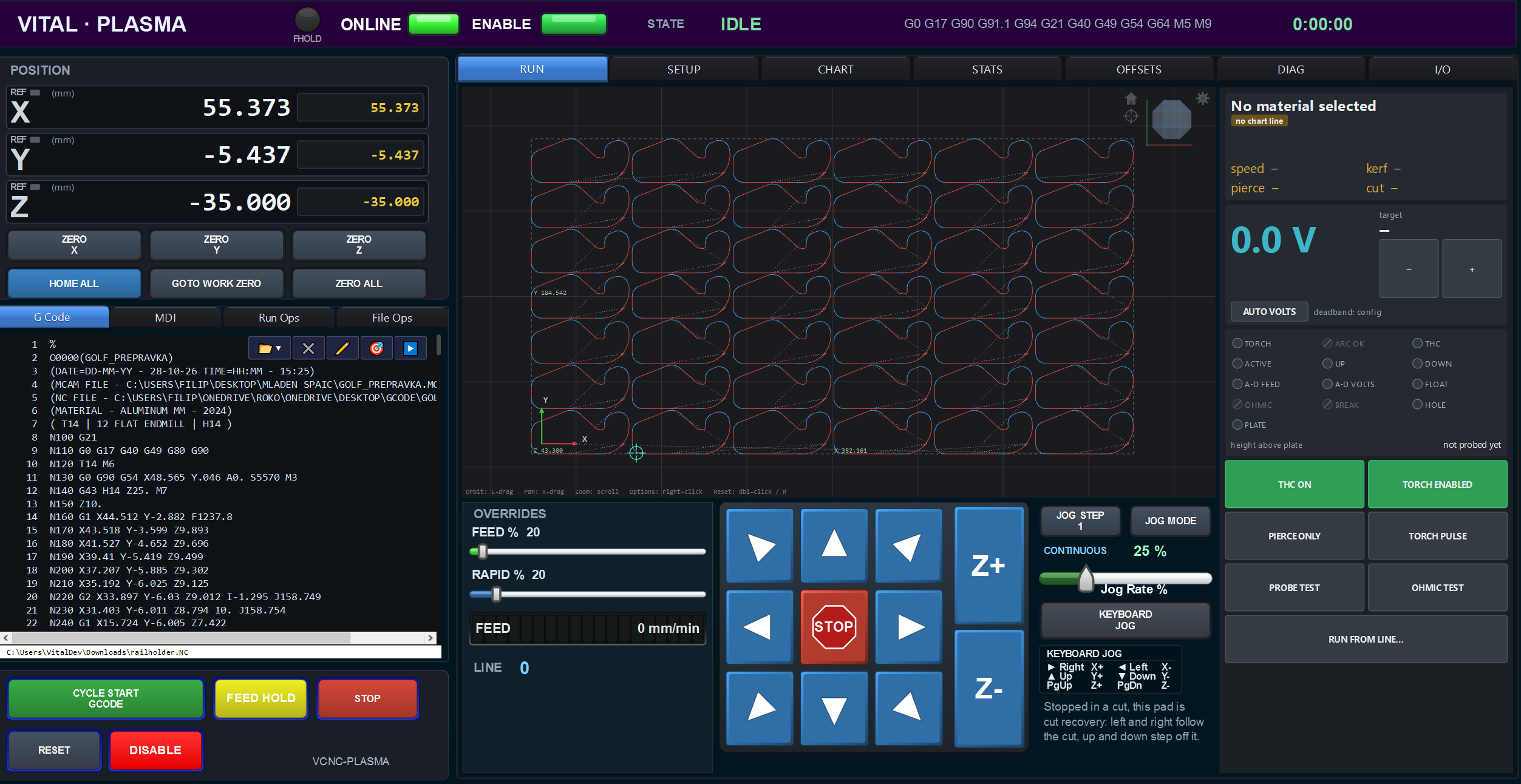
Parts placed on a sheet or a disc, with your margin, spacing and rotation steps. Placed parts stay put when you add more.

CNC · CAM software
From drawing to cut-ready program. Load your DXF files or 3D models, nest the parts on the sheet and save the G-code. The plasma and laser settings travel with the program to VitalCNC.
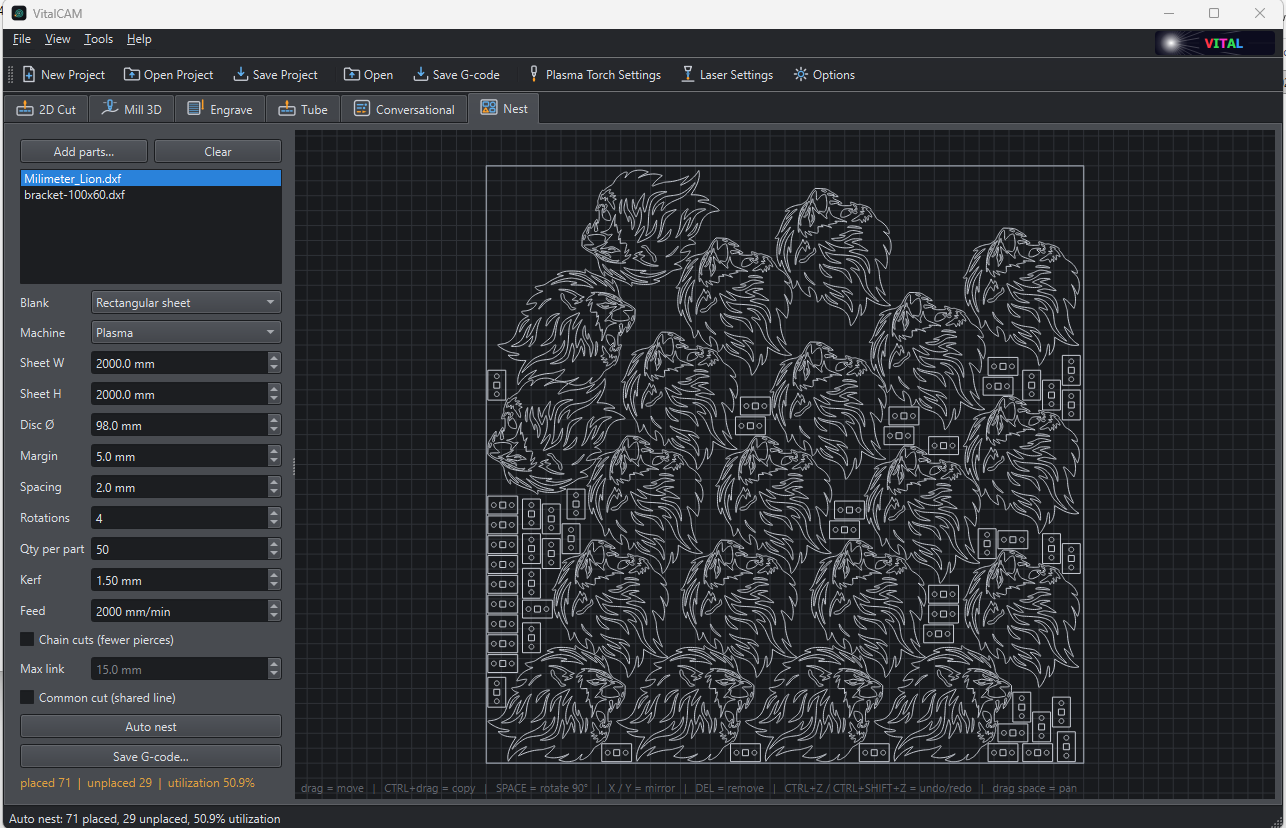
Load DXF outlines, pick the parts and quantities, and VitalCAM places them on the sheet.
Parts placed on a sheet or a disc, with your margin, spacing and rotation steps. Placed parts stay put when you add more.
One pierce feeds a run of nearby cuts.
Parts one kerf apart share a single cut line.
Cut inside, outside or on the line, with lead-ins, lead-outs and pierce dwell.
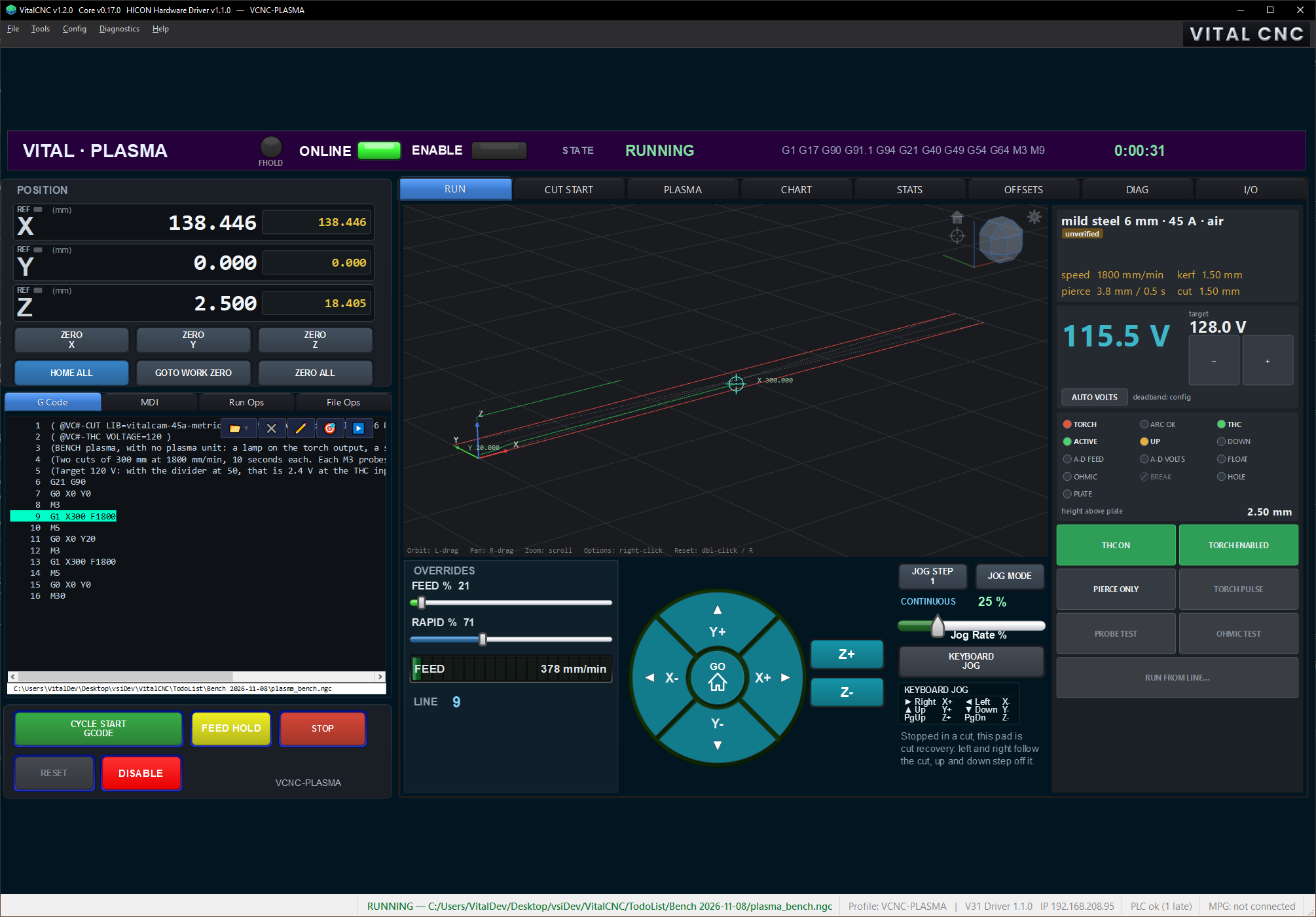
Choose the process, material and thickness. The program names the chart row, and VitalCNC sets the torch from it.
Constant power, or power that follows the speed so corners do not burn.
Load an STL, OBJ, STEP or IGES model and get a roughing and finishing program.
Tell us about your machine and what you cut, and we will set you up.