Conveyor · free software

VSLogix

Ladder logic for the IntellECAT PLC, made for conveyors. Write a ladder program once (accumulation, merge, cross-transfer) and place it everywhere it is used.

Free Softwareno license required, try today
Up to 64GX20 or EC30 cards from one IntellECAT
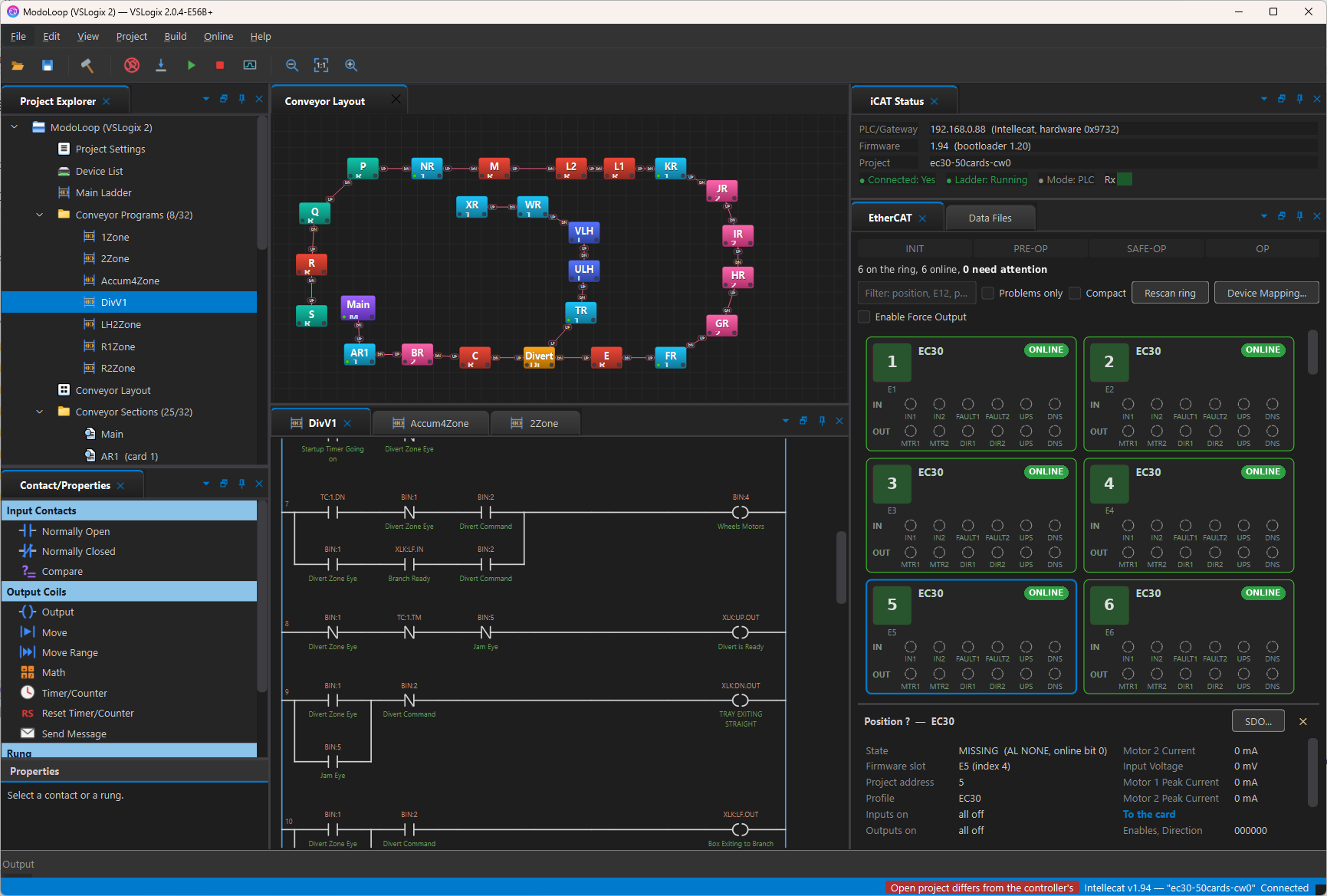
Live Monitoringof Ladder and Slave device execution at runtime
The VSLogix ladder editor

What it does

Write and download

Build ladder programs and download them to the IntellECAT. Ladder uploading is supported.

Scan the network

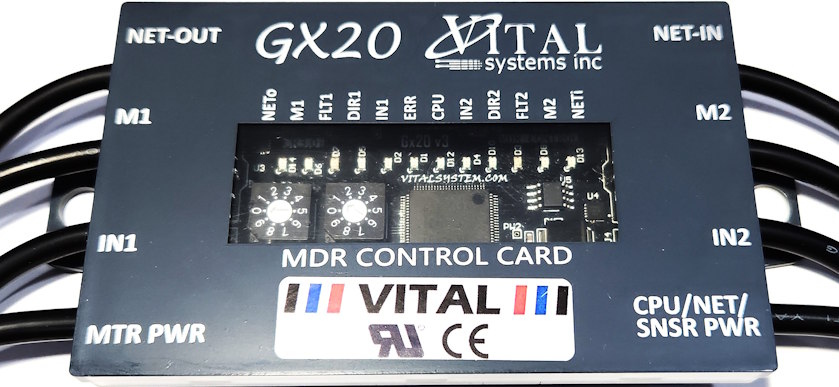
Find and set up every GX20 card through the IntellECAT.

Ladder Editor

Edit Ladder programs in a familiar and powerful interface.

Debug live

Watch the program run and change values through the UI while the conveyor moves.

Gateway mode

Configure IntellECAT to operate as a bridge between an EtherNet/IP master and up to 64 GX20 cards.

PLC mode

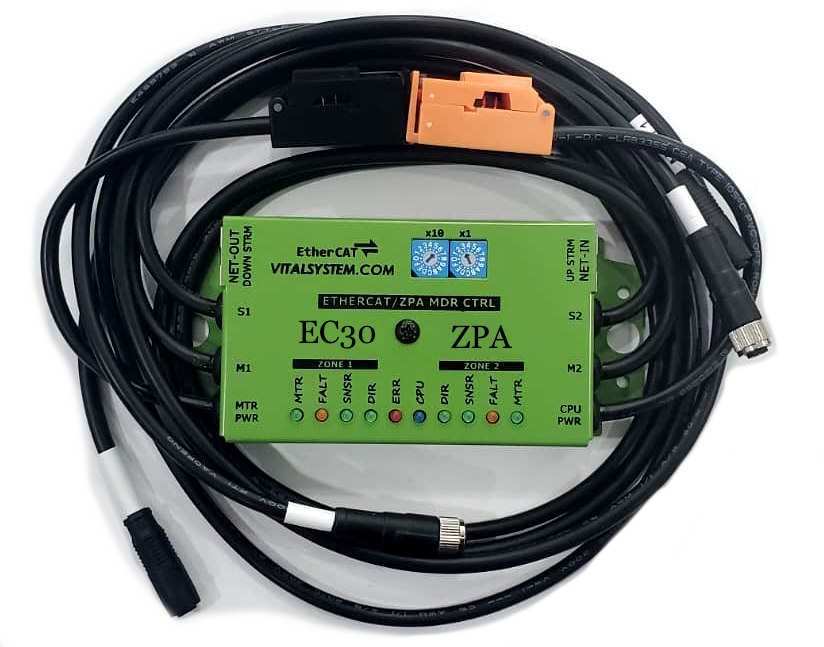
Configure IntellECAT to run your ladder program, controlling up to 64 GX20 cards and 10 Smart3G or OCTO cards.

Ladder Editor

VSLogix is built around ladder logic, so PLC technicians will find it familiar and easy to pick up. Programs are made of rungs, contacts and coils, laid out in a graphical editor with plenty of features packed in.
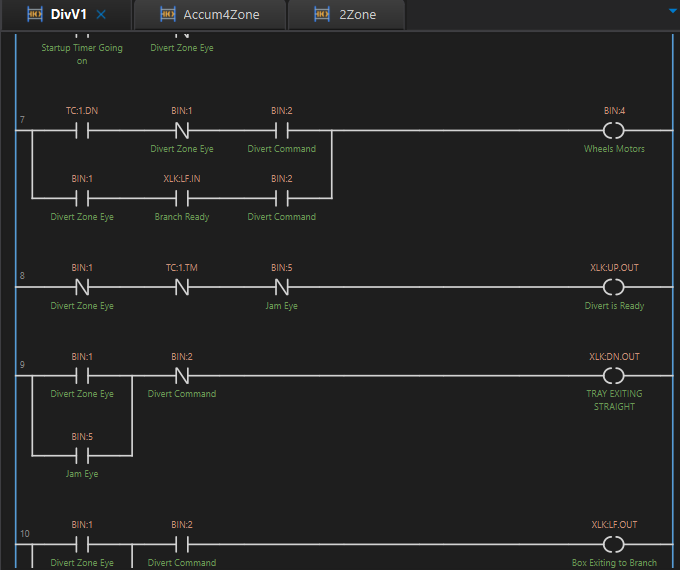
  • Standard instructions: normally open and closed contacts, comparisons, math, move, and timers and counters, all from the toolbox
  • Branching: put contacts in parallel to build OR logic on any rung
  • Live monitoring: watch the ladder execute at runtime, see which contacts are true, and change values while the conveyor runs
  • Full undo: step back through any edit you make
  • Copy and paste rungs within a ladder program or between them
Rungs with branches, normally open and normally closed contacts in the VSLogix ladder editor

Ladder programs are reusable

Write a ladder program for each kind of conveyor section (accumulation, merge, cross-transfer) and create multiple instances using that one program.
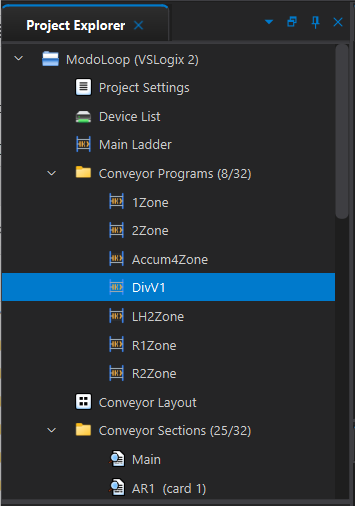
  • Each section uses a ladder program, so even the biggest project stays short and tidy
  • Fix it in one place: if a section misbehaves, correct its ladder program and every section that uses it is fixed
Ladder programs in the VSLogix project explorer

Lay out the conveyor

Drag ladder programs onto the layout to make the sections, then link them: downstream ready, package coming, and so on.
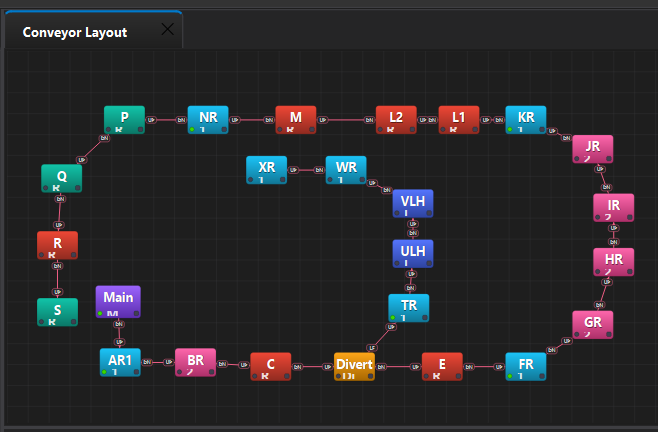
  • Try another layout by moving sections, not by rewriting the program
  • Assign the devices each section uses from the same view
The conveyor layout view in VSLogix

Step by step

Programming a conveyor with VSLogix

Download

VSLogix software

Manual

Sample conveyor logic